

Do you belong to any Facebook Groups? Have ever set up one of your own groups?
If you interact even the tiniest bit on Facebook, you'll see options for joining different Groups all the time. They range from industry groups for networking to secret groups just for customers to groups created around a specific event…. and more.
The power of this free feature of Facebook is phenomenal for marketing, if you use it wisely. But if you're still a newbie to Groups or if you're not happy with your current results, it might be time to start afresh.
With the launch of our short course on How to Use Facebook Groups to Grow Your Business, we decided to put together the following infographic to help you get started on the right track with setting up your own Facebook Group:
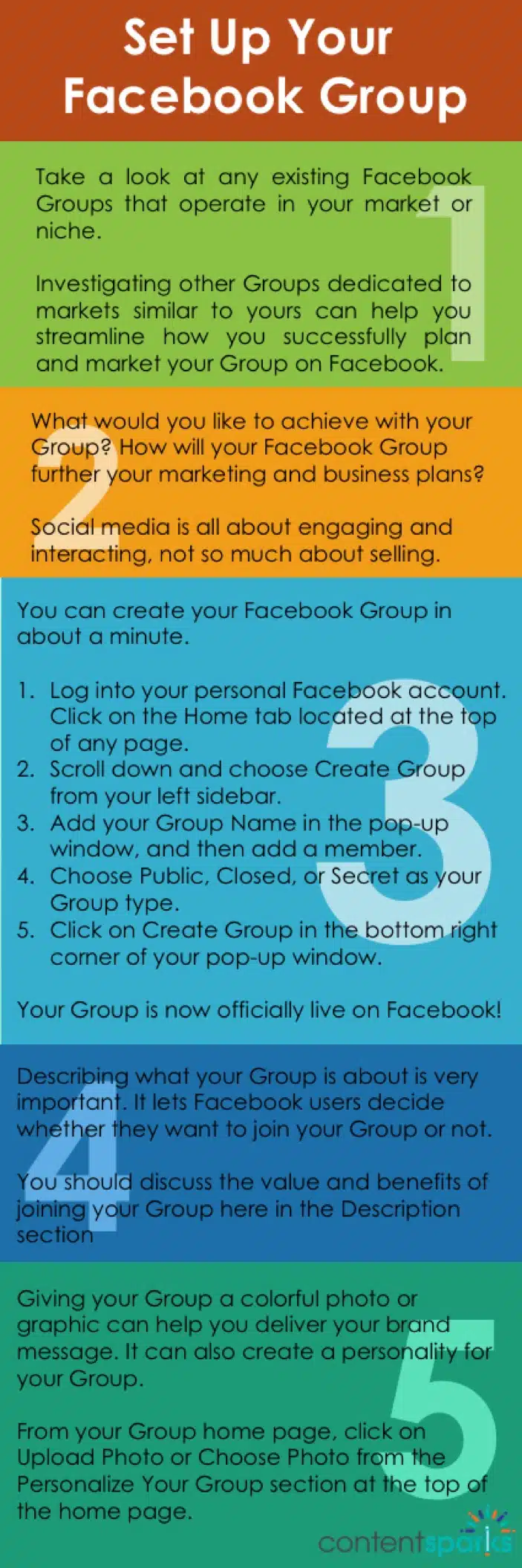
Here's the straight text, for you non-visual types 😉
Step 1: Research
Take a look at any existing Facebook Groups that operate in your market or niche. Investigating other Groups dedicated to markets similar to yours can help you streamline how you successfully plan and market your Group on Facebook.
Step 2: Plan
What would you like to achieve with your Group? How will your Facebook Group further your marketing and business plans?Social media is all about engaging and interacting, not so much about selling.
Step 3: Create
You can create your Facebook Group in about a minute.
1. Log into your personal Facebook account. Click on the Home tab located at the top of any page.
2. Scroll down and choose Create Group from your left sidebar.
3. Add your Group Name in the pop-up window, and then add a member.
4. Choose Public, Closed, or Secret as your Group type.
5. Click on Create Group in the bottom right corner of your pop-up window.
Your Group is now officially live on Facebook!
Step 4: Describe
Describing what your Group is about is very important. It lets Facebook users decide whether they want to join your Group or not. You should discuss the value and benefits of joining your Group here in the Description section.
Step 5: Brand
Giving your Group a colorful photo or graphic can help you deliver your brand message. It can also create a personality for your Group. From your Group home page, click on Upload Photo or Choose Photo from the Personalize Your Group section at the top of the home page.
 Want to learn more and teach others about using Facebook Groups to Grow Your Business?
Click Here for our done-for-you, rebrandable training course.
Tags